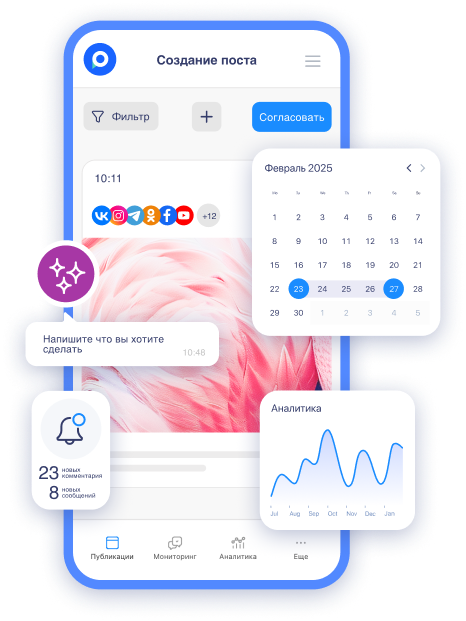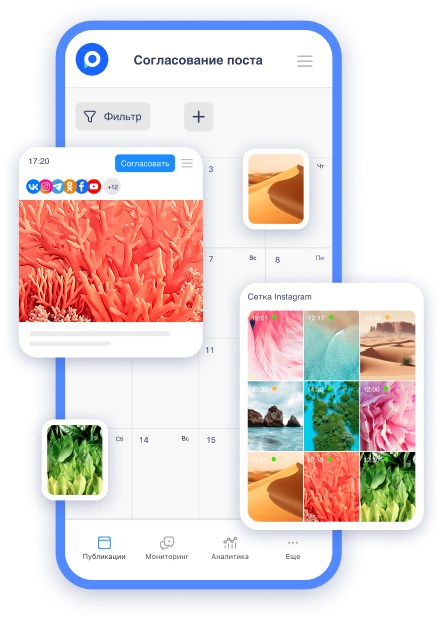
Update in Postmypost: the image generation engine has been improved — it now perfectly understands Russian text!
Postmypost is constantly improving so that you spend less time on routine tasks and more on creativity and results. Today, the main news for everyone creating visual content in Russian is that the image generation engine has become significantly smarter.
It now understands prompts in Russian very well — without the need to translate them into English, without strange artifacts, and without "lost meaning". This is precisely the update that thousands of SMM specialists, marketers, and business owners in the Russian-speaking segment have been waiting for.
Let's explore what has changed, how to use it, and why your content will look even cooler now.
What exactly has improved?
Previously, even with quality prompts, the neural network sometimes "stumbled". Long descriptive constructions with emotional nuances often led to inaccurate interpretations, artifacts, or "lost meaning". Now, the neural network has become better at "understanding" what you mean: it finds references, cultural context, and visual examples in real-time and transfers them more accurately into the generation:
-
It conveys style, lighting, and composition better;
-
It significantly less frequently produces artifacts with text, faces, or inconsistencies in details;
-
It generates images that fit directly into posts, stories, or Reels without the need for editing in editors.
The result — visuals look authentic and professional.
Why this is important for you — Russian-speaking SMM
Most neural networks are still "tuned" for English. Russian prompts yielded average results, and time had to be spent on translation + adjustments.

With the new engine:
-
Save 15–30 minutes on each post with visuals;
-
Content looks authentic (no "Western" faces and styles);
-
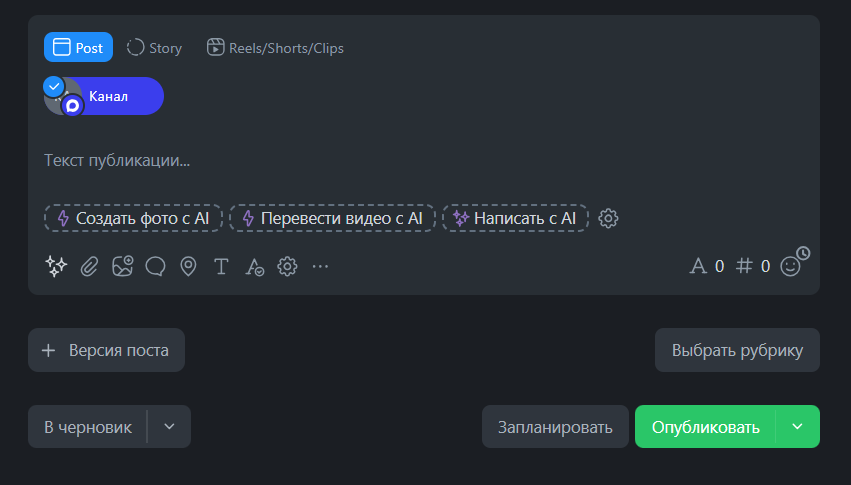
You can generate images directly in the Postmypost editor — and publish immediately to VK, Telegram, Instagram*, Odnoklassniki, and other networks.
This is especially valuable for teams and agencies: the client sees the finished post with the perfect picture even at the approval stage.
7 recommendations on how to get the most out of the new engine
-
Write in detail and in Russian. The more details (mood, lighting, style, emotions) — the more accurate the result.
-
Specify the style of the image "in the style of realism", "like at Pixar studio", "in the style of Soviet posters", "minimalism" — it works perfectly.
-
Add cultural context "in the style of Russian folk tales", "like in Shishkin's paintings", "Moscow yard of the 90s" — the neural network now understands this without problems.
-
Combine with AI text. First, ask Postmypost AI to write a post, then generate an image under the same prompt.
-
Use for stories and Reels. Generate backgrounds and elements — the time savings are enormous.
Useful materials from our blog to delve deeper into the topic
-
Want the 20 best prompts for Postmypost AI (now working for images too)? Read 20 Best Prompts for Postmypost AI in 2026: Accelerating SMM 10 Times.
-
Are you figuring out which AI tools really work in 2026? The article AI Tools for SMM in 2026: What Really Works and What Takes Time — is a must-read.
-
Need a complete strategy? Check out SMM Strategy in 2026: Development and Promotion Steps in Social Networks.
-
To make visuals hit your audience precisely, reread the classic What is Target Audience and Where to Find It and Ask These 12 Questions and Learn Everything About Target Audience.
-
And if you want to recall the basics, here’s How to Create a Post in 9 Steps — now with the new engine, the step with the image has become even easier.
Try it right now. The update is already available to all Postmypost users.
Go to the post editor, click on the image generation button, and enter a prompt in Russian — see the difference for yourself.
7 days of free trial without a card — the perfect time to test the new engine on your projects.