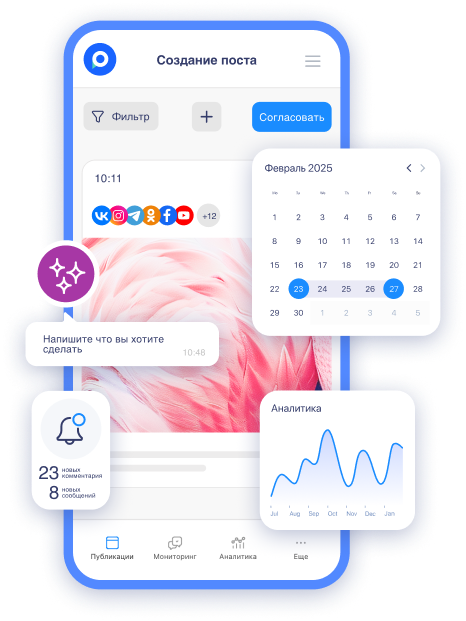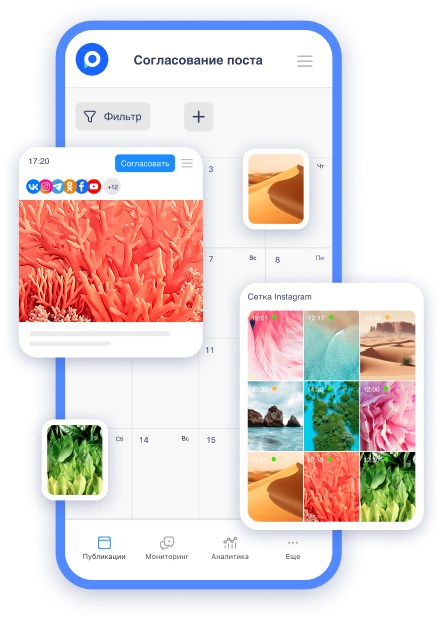
In the world of SMM, where speed and efficiency are everything, we are excited to introduce a new update in Postmypost. Now you can work with content without connecting social media accounts. Meet the account mockup — a virtual tool that allows you to create, visualize, and approve posts without connecting to real accounts. In this article, we will explore what it is, how it works, the advantages, and real-life examples of its use. Let’s find out how this will simplify your daily workflow!
What is an account mockup and why is it needed?
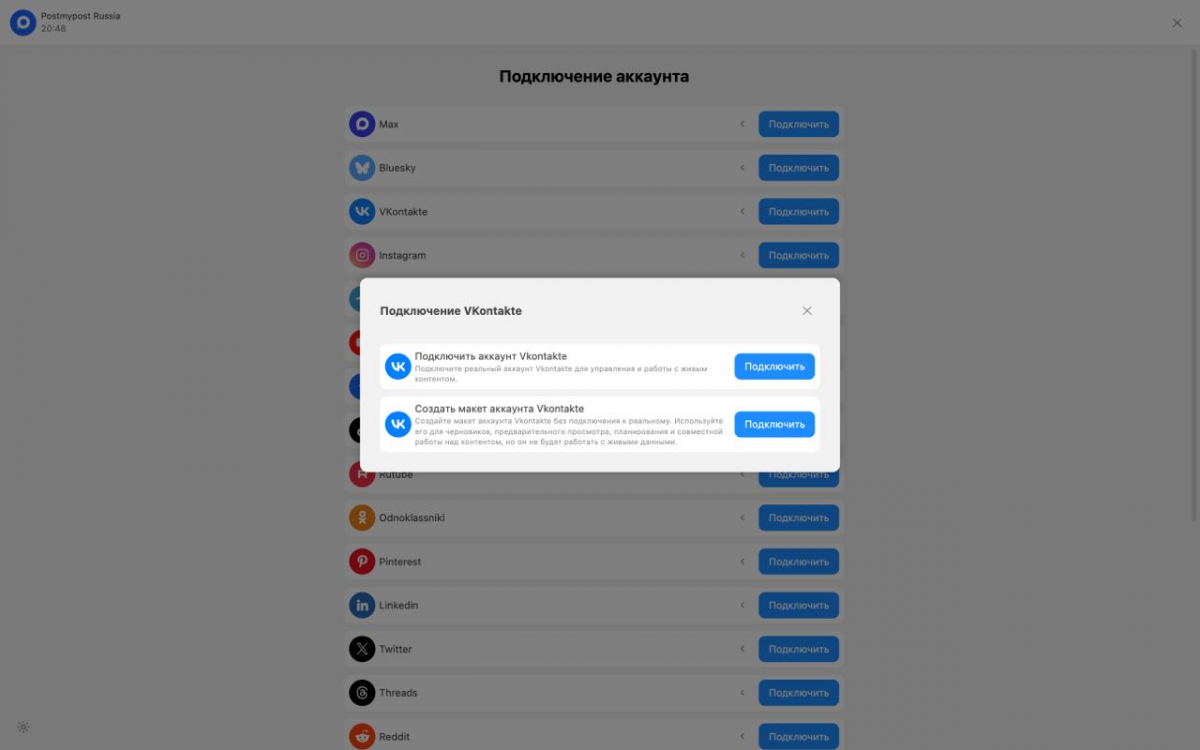
An account mockup is a virtual profile in Postmypost that simulates a real social media account but without actually connecting it. You simply give it a name (for example, "Mockup for Instagram*-client") and start working. It's like a draft of your project: you can experiment without risking your reputation or data.
The main idea is to separate the content creation process from publication. Previously, working with posts required connecting a real account right away, which could slow down the process due to bureaucracy with access permissions. Now, you prepare everything in advance and publish later — either manually or after linking a real account. Key features of the mockup include:
-
Creating posts: write texts, add images, videos, and other elements.
-
Preview: see how the post will look on social media (considering formatting and platform style).
-
Storing drafts: all materials are saved regardless of the status of the real account activation.
At any moment, the mockup can be "activated" by linking a real account, or conversely, unlink it and return to virtual mode. This makes the tool universal for freelancers, agencies, and teams working with multiple clients simultaneously.
How to create and work with an account mockup
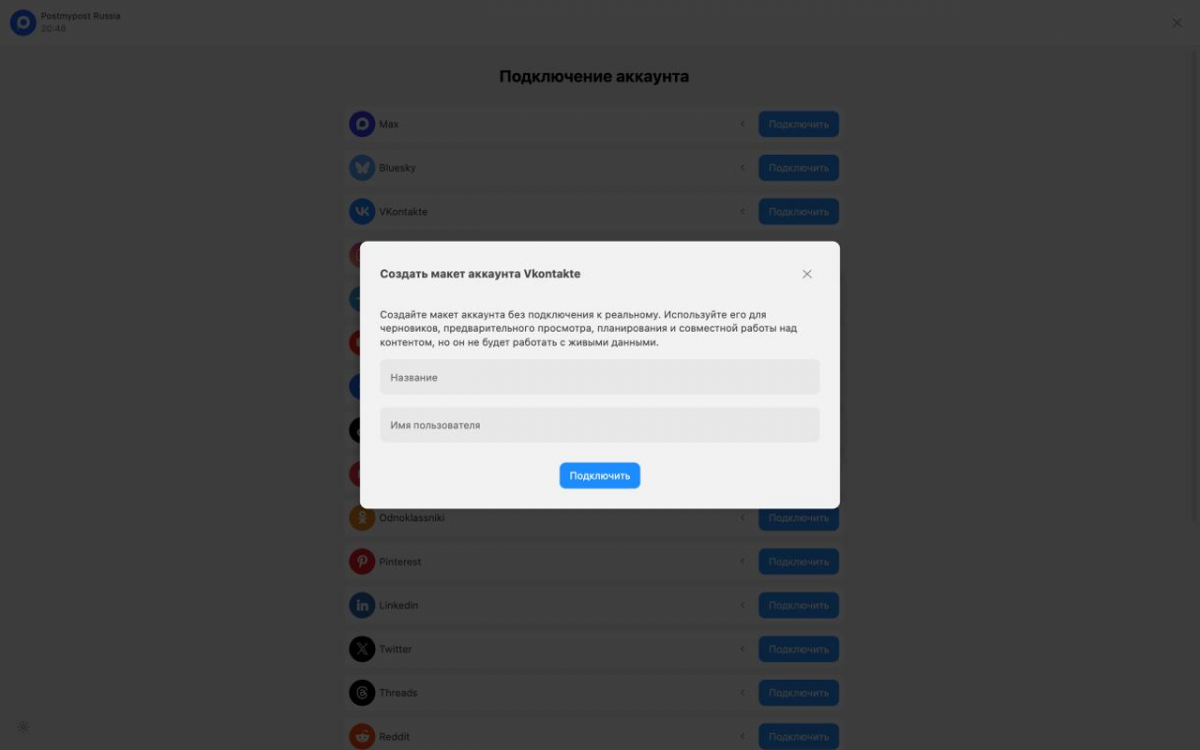
The process is simple and intuitive. Here’s a step-by-step guide:
-
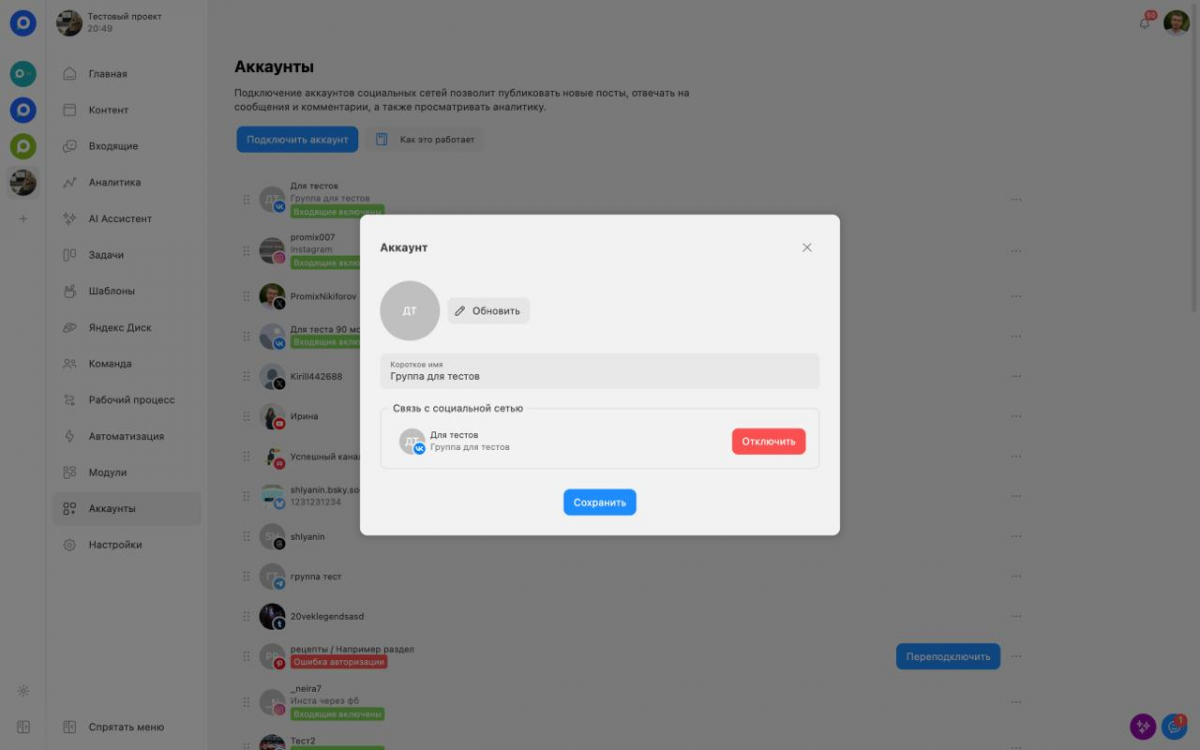
Adding an account in Postmypost. Go to the "Accounts" section and click "Add." Now you will see the option: "Connect a real account" or "Create an account mockup."
-
Creating a mockup. Choose "Mockup," specify the name and platform (for example, Instagram*, VK, or Telegram). Done — the account is created!
-
Working with content: Add posts as usual. Use the editor for texts, media, and hashtags. The preview will show how it looks on real social media.
-
Linking a real account. When access permissions are received, go to the mockup settings and select "Link a real account." All posts and drafts will automatically transfer.
 AI-ассистент отвечает в комментариях и сообщениях так, будто это живой менеджерБыстро, естественно, без пропусковУзнать подробнее
 -
Unlinking. If you need to replace the account, simply unlink the old one — the content will remain in the mockup.
Recommendation: Use mockups to test ideas. Create several versions of posts, show them to the client in the preview, and refine them before publication. This will save time on edits in the real account.
Advantages of using mockups
This update is not just another feature; it changes the approach to content management. Here are the key benefits:
-
Flexibility and speed. Don’t wait for access from the client — start working immediately. This is especially useful for new projects where bureaucracy can delay things for days or weeks.
-
Security. Work with virtual data, minimizing the risks of leaks or mistakes in real accounts.
-
Time savings. Prepare the content plan in advance, agree with the team or client, and publish with one click after linking the real account.
-
Scalability. Easily replace accounts without losing data. Ideal for agencies managing multiple accounts.
-
Creativity without limits. Experiment with ideas without worrying about social media limits (e.g., post frequency or moderation).
Compared to the traditional approach, mockups lower the barriers to entry in SMM and allow you to focus on creativity rather than technical details.
Examples of real-world application
Let’s look at how mockups solve everyday tasks in practice:
-
Working with a new client without access. You just signed a contract to manage an Instagram*-account, but the client hasn’t provided the logins yet. Create a mockup, prepare the first 10 posts with texts and visuals. Show the preview to the client for approval. When the access comes — link the account and launch the publication. Result: the project starts without delays.
-
Replacing an account during the process. Suppose the client decided to switch from one profile to a new one (e.g., due to rebranding). Unlink the old account from the mockup — all posts will be saved. Link the new one and continue working. No need to copy content manually.
-
Preparing content in advance. Planning a campaign a month ahead? Create a mockup, fill it with posts, test the visuals. When the time comes — link the real account and set up auto-publishing. This is perfect for seasonal promotions or when the team is working remotely.
Recommendation: For large projects, create separate mockups for different platforms (Instagram*, VK). This will help avoid confusion and simplify A/B testing of content.
Tips for effective use
To ensure mockups provide maximum benefit, follow these tips:
-
Organize mockups logically. Give them distinctive names, add tags or notes in the description for quick search.
-
Integrate with your team. Share access to mockups in Postmypost — let copywriters, designers, and managers work in parallel.
-
Test the preview. Always check how the post looks on mobile devices. This will help avoid surprises during actual publication.
-
Combine with other tools. Use analytics from Postmypost to evaluate ideas in the mockup, even if the data is virtual.
-
Monitor updates. Keep an eye on news from Postmypost — we continue to develop the service and add new features for convenience, speed, and efficiency in SMM. By the way, our blog has many other useful materials about content and promotion on various social networks and messengers.
If you are a beginner, start simple: create a test mockup right now and experiment.
The account mockup in Postmypost is a tool that makes your work faster, safer, and more creative. No more waiting for access or worrying about replacing accounts: prepare content in a virtual space and publish when everything is perfect. This update is especially valuable where time is money.