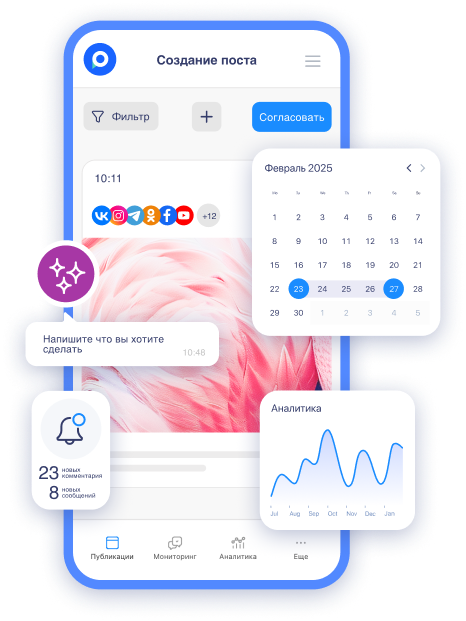
A new feature has been introduced in Postmypost that will ease the lives of marketers and SMM specialists — AI automation. But can we trust the neural network with tasks that we used to do ourselves? We tested the tool in various scenarios.
How Postmypost AI Works
The AI assistant is located in the bottom right corner — you'll recognize it by the spark icon.

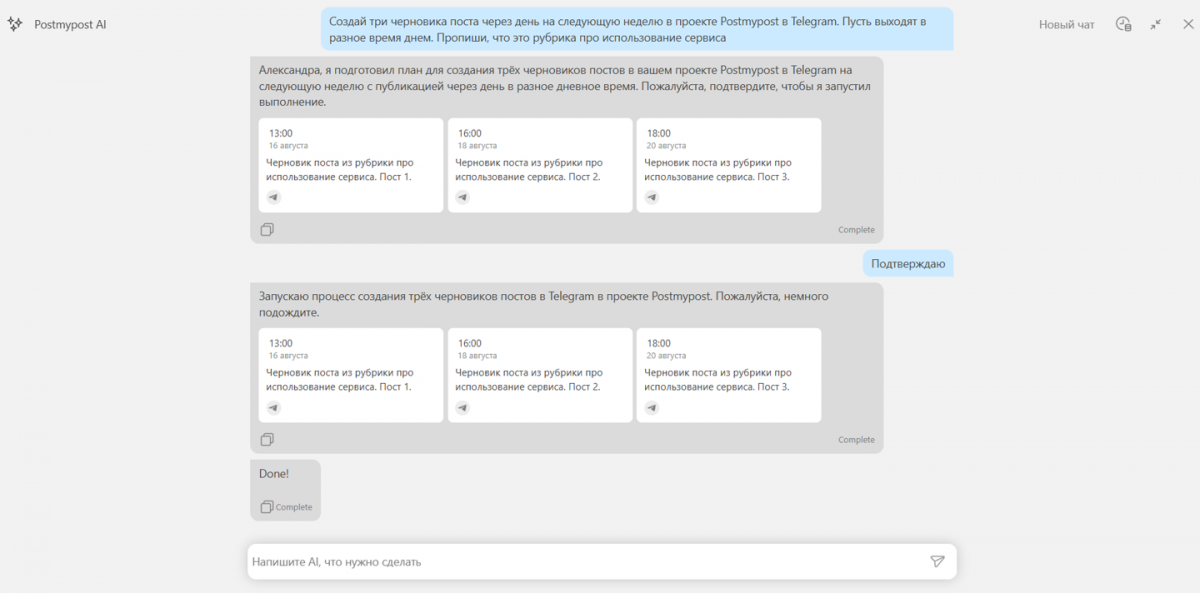
When clicked, a dialog box opens where you need to enter your request. It's best to describe the task in detail: specify the topic, dates, time of publication, and platform. You can even outline the style of the text.
For example: “Create three drafts of a post for next week in the Postmypost project on Telegram, spaced one day apart. They should be published at different times during the day. Indicate that this is a column about using the service.”
After that, you need to send the word "Confirm" in the chat so that the AI schedules the publications.
What the AI assistant can do:
- prepare a brief for the copywriter and designer;
- suggest topics and columns based on the loaded brand strategy;
- select hashtags;
- create ready-made posts.
All of this is done within the Postmypost service, meaning you don't need to navigate to other pages.
Testing the Tool
For example, we run an eco project on Telegram and VKontakte, and we have regular columns for the week. This always takes time: coming up with the topic of the publication, writing the text, setting the dates.
Instead of manually creating each post, we write one request — and immediately receive drafts for the needed days:

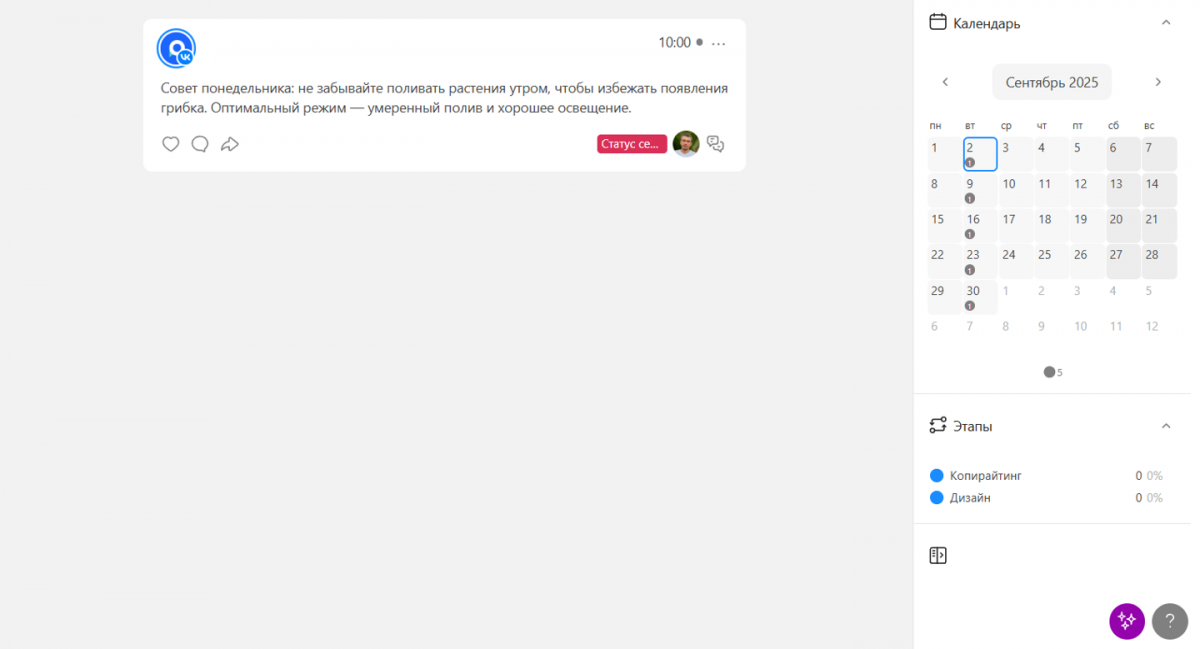
“Create five posts for September for the ‘Monday Tip’ column for the GreenLife project on VKontakte. Publications — every Monday at 10:00 AM, format — a short tip on plant care, 2–3 sentences.”
Result: five posts with ready text appeared in the calendar. All that’s left is to choose a photo and, if desired, elaborate on the post.
Another situation: a new coffee shop is opening in two days, and the copywriter and designer still haven’t received the brief. AI helps solve the problem quickly — just one request is enough.
“Compose a brief for the copywriter and designer for a VKontakte post about the opening of the coffee shop ‘Coffee on the Corner’ on September 9 in Arbat, Moscow. A call to action to come is essential.”
Result: a clear brief for the specialists. The AI even suggested a text variant that the copywriter can adjust to match the brand's style. The format, CTA, and other important details are specified.

And one more test — let’s ask it to write and schedule posts according to the content plan for the Postmypost account on VKontakte and Telegram.
“I have a content plan for publications: August 19 — a tip from an SMM specialist about posting times on different social media, August 21 — an instruction on using the Postmypost service for autoposting, August 24 — a poll ‘How do you maintain work-life balance’. Schedule posts for these dates for VKontakte and Telegram for the Postmypost project. Write the posts themselves. Add thematic hashtags.”

Result: in a few minutes, we receive scheduled posts that only need slight adjustments before being handed off for design.
Helpful Requests
For the AI assistant to work as effectively as possible, it’s important to formulate requests correctly. The more detailed you describe the task, the more accurate the result will be. Specify:
- the post topic,
- dates and times of publication,
- social network,
- text style,
- additional requirements — hashtags, links, keywords, media format.
Below are several working examples for different tasks.
Regular Column
Create [number] posts for [period] for the column “[column name]” for the project [project name in Postmypost] on [social network]. Publications — every [day of the week] at [time], format — [short description of the format, e.g., “a short tip on plant care, 2–3 sentences”].
Brief for the Team
Compose a brief for [copywriter/designer/videographer] for a post in [social network] about [event/news] [date, location]. Be sure to include [key elements: call to action, hashtags, text style, length].
Templates According to Content Plan
Schedule posts for these dates for [social network] for the project [project name in Postmypost]:
- [date1] — [post topic],
- [date2] — [post topic],
- [date3] — [post topic].
Write the posts themselves. Add [specify: hashtags, emojis, links].
As the test showed, the AI assistant can be trusted — especially for tasks where speed is important. The key is to clearly formulate the request and adjust the outcome according to the brand voice. Try it yourself: formulate your first task and see how quickly the AI can handle it.