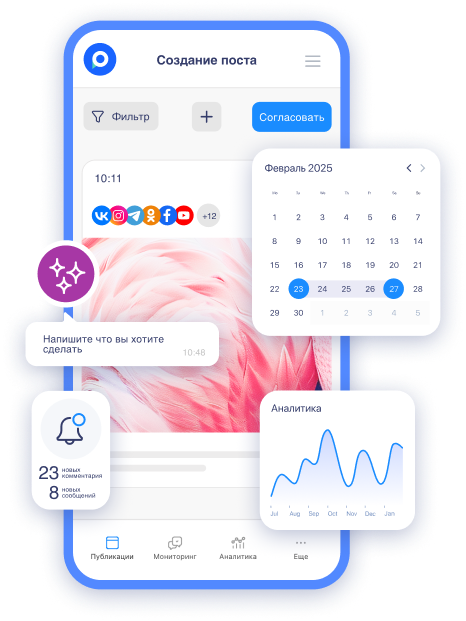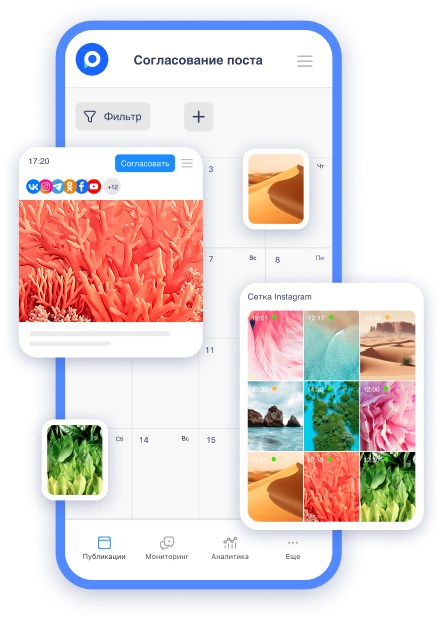
Friends! We are excited to announce that we have updated the preview for Odnoklassniki. Now it is as close to the original as possible on both desktop and mobile devices. This update is especially beneficial for SMM specialists, marketers, and business owners who manage groups on OK.ru. We are ready to help optimize your content management to help you avoid common mistakes.
What is a preview and why is it important in SMM?
A preview is a feature that allows you to see how your post will look in the social network before publishing. Postmypost has a special tool for previewing visuals, text, and media files. Why is this critical for you:
-
Time-saving — no need to publish and delete posts due to accidental errors.
-
Professionalism — the audience sees neat content, which increases engagement.
-
Platform adaptation — OK.ru has its nuances in display, especially for videos and images.
Without an accurate preview, you risk getting a distorted view of the post and scaring away subscribers.
What has changed in the Postmypost update?
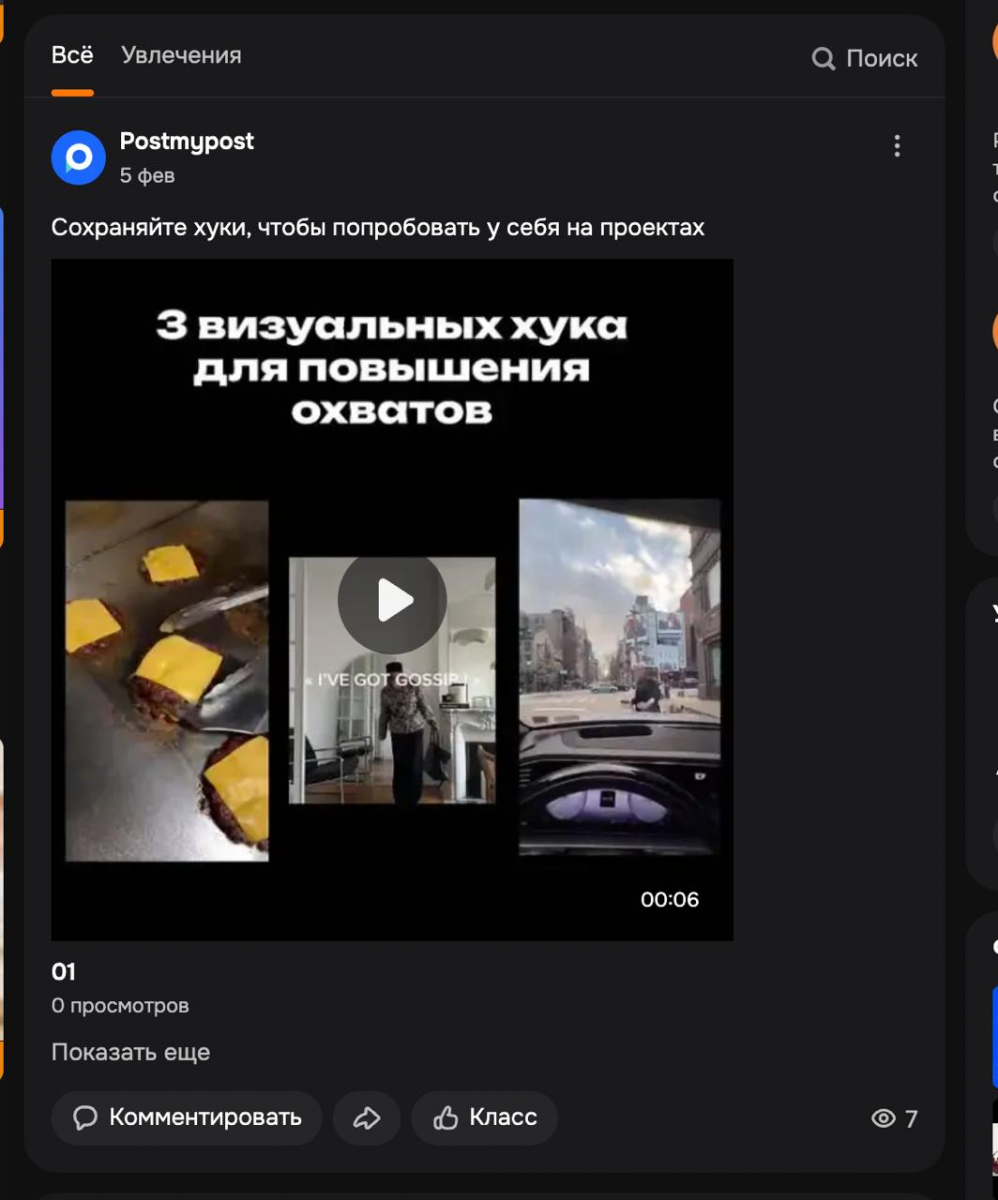
Previously, the preview in Postmypost for Odnoklassniki was simplified, but now it fully mimics the original interface of OK.ru. The update takes all details into account. It may seem like a small detail, but it solves real problems.
For example, when publishing a video, OK shows the file name, which for many users often is not very accurate. The new preview displays this, allowing you to make corrections in advance and achieve the best visual result.
Advantages of the new preview
This update is not just cosmetic — it simplifies your daily work. Here are the key benefits:
-
Exact imitation — posts look the same on desktop and mobile devices, no more discrepancies.
 AI-ассистент отвечает в комментариях и сообщениях так, будто это живой менеджерБыстро, естественно, без пропусковУзнать подробнее
 -
Taking video details into account — see the real file name, emojis, text formatting, just like in OK.
-
Increased content quality — easier to correct so that posts ultimately attract more likes and shares.
-
Eliminating errors — avoid situations where a post looks unprofessional due to technical nuances.
-
Compatibility with mobile users — since 70% of OK's audience is mobile, the preview helps adapt content for them.
The result: Your campaigns become more effective, and subscribers become more loyal.
Recommendations for using the update
To get the most out of the new feature, follow these tips:
-
Check videos in advance: upload files with meaningful names. If the file name displays incorrectly — rename it in Postmypost in preview mode.
-
Test on different devices: switch between desktop and mobile modes in the preview to ensure post adaptability.
-
Integrate with a content calendar: plan posts in advance and use the preview for a final check. This is especially useful for seasonal campaigns.
-
Combine with AI tools: generate post text using Postmypost AI, and then check the visual — speed up the entire process by 2-3 times.
-
Monitor engagement: after publishing, analyze metrics in OK and adjust future posts based on real data.
By applying these recommendations, you will reduce the time spent on SMM and increase your ROI from social media.
Also read
Want to delve deeper into SMM? Here are relevant articles from our blog:
-
SMM strategy in 2026: development and stages of promotion in social networks — for planning content in OK and other networks.
-
AI tools for SMM in 2026: what really works and what wastes time — how to use AI and simplify your work.
-
How to promote in VK in 2026: working strategies and tools — similar tips for VK that are applicable to OK.
The update is already available in your Postmypost account. Try it right now.